

Sent before you pull out
The invoice goes out while the work is still fresh, not on a Sunday night with a stack of others.
Create and send from your phone. Keep the full picture on desktop.
One email when it opens in your area. Nothing else.
The plus button in the app opens all three. Whichever you pick, you see the invoice before your customer does.
Talk it through on the drive out. Customer, work, price, when it is due. You check the details before anything sends.
See how Speak works
Everything between finishing the work and the money landing, handled while you are still on site.
The invoice goes out while the work is still fresh, not on a Sunday night with a stack of others.
Your customer taps it and pays by card or bank transfer from their phone. No account for them to make.
KnoqKnoq drafts a reminder when an invoice comes due or runs late, so you are not keeping the list in your head.
Viewed shows up in the invoice timeline when your customer opens it, so you are not left wondering.
Residential trades, one phone, one hand. No desktop to go back to, because there is nothing left to do at a desk.

Nobody else is doing your invoicing. KnoqKnoq gets it out of the evening and into the ten minutes between jobs.
See it for solo trades
Set up a recurring invoice once and it goes out on the schedule you choose, with the payment link on every one.
See it for service work
Start free. Upgrade when you want KnoqKnoq to take more of the follow-up off your plate.
$0/month
Create, send, and track up to 5 invoices each month. KnoqKnoq drafts every follow-up for your approval.
$29/month
14-day free trial
Unlimited invoices, card and bank payments through the invoice link once payouts are connected, follow-ups you can set to send automatically, and recurring invoices.
$59/month
Everything in Solo, with priority support.
$99/month
Everything in Solo, with direct support.
Practical reading on invoicing residential work, written for people who do the work.
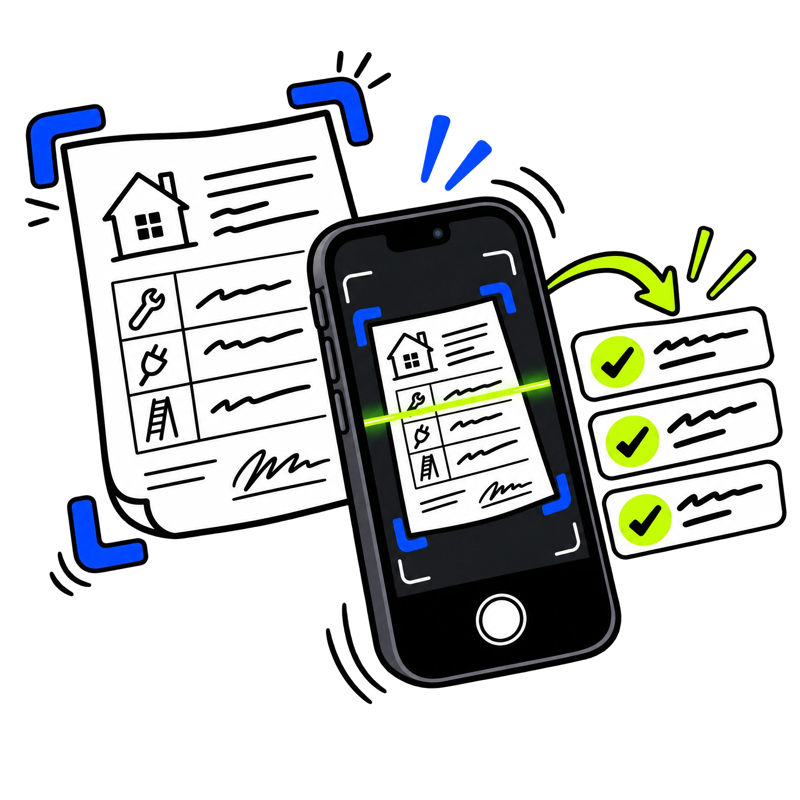
Fill in the job, add your logo, and download a PDF. Free, with no account.
Open the invoice maker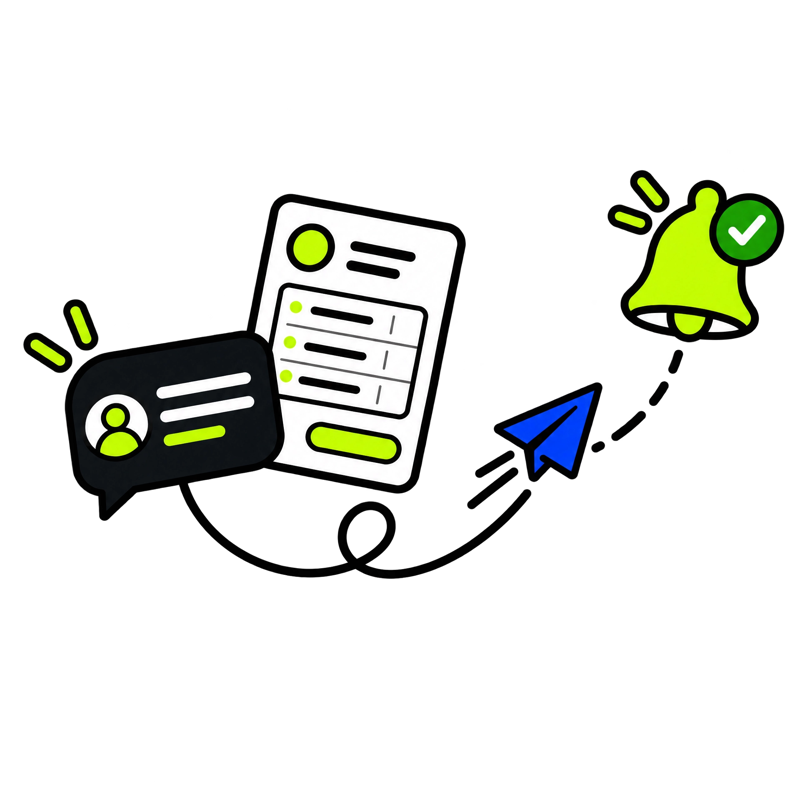
Sending your first invoice, how follow-ups work, text opt-outs, and deleting your account.
Read the answers
What your customer sees when the invoice arrives, and how card and bank payments work.
Read the answers